Multi-Account Bank Statement to CSV
Multi-card and multi-account statements need split logic, row review, and reconciliation before the CSV is ready for accounting work.
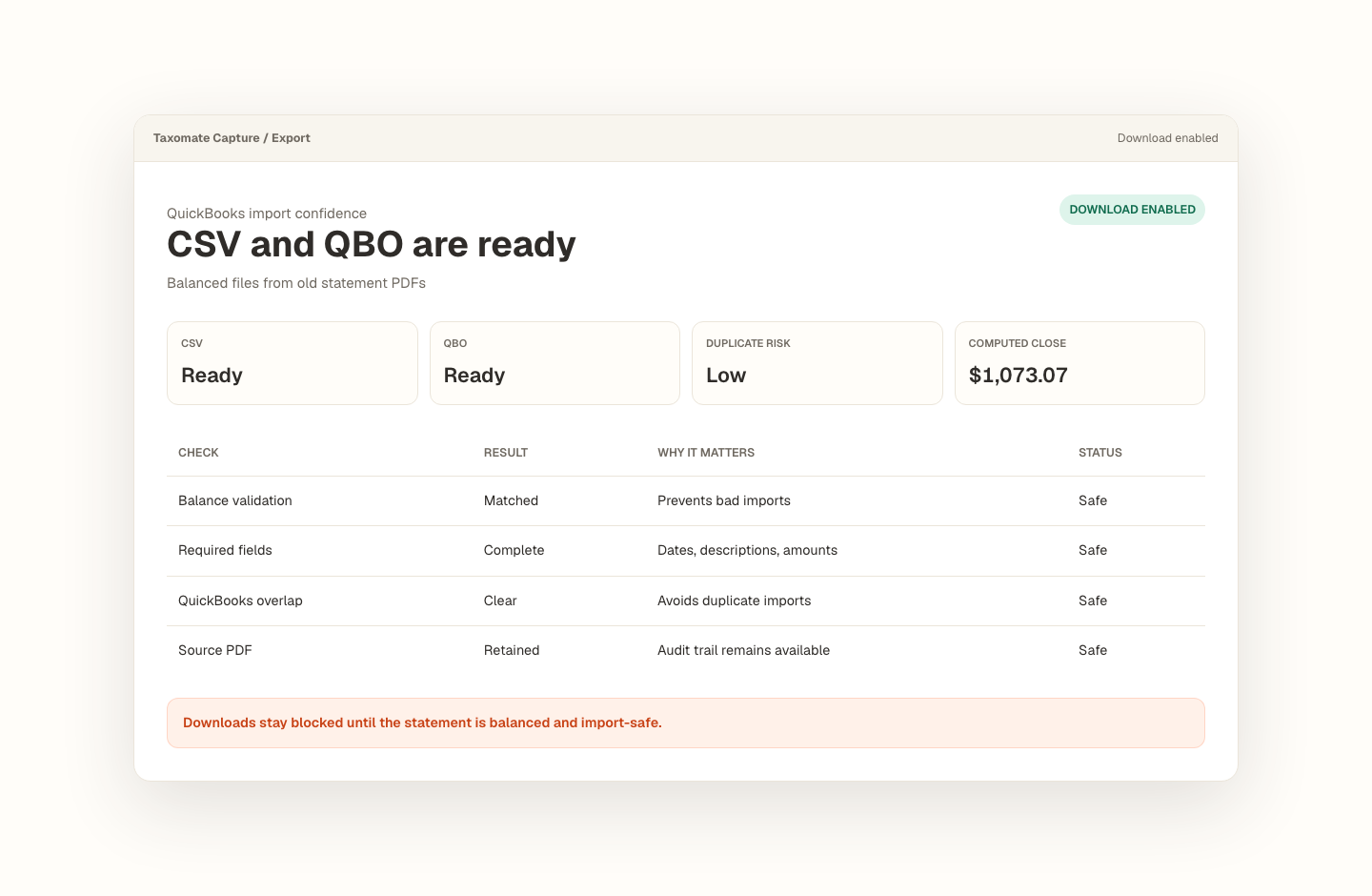
Opening balance plus transactions must tie to the statement closing balance.
Missing dates, balance gaps, and import blockers stay visible before export.
Export stays blocked until the reviewed statement is safe to use.
How should I handle PDF statements with multiple cards or account sections?
Splits need proof, not guesses.
A multi-account statement can extract into one table while still needing account-level assignment and balance checks.
- Capture issuer, account type, and whether multiple cards are present.
- Extract rows with page and confidence metadata.
- Review account assignment before exporting CSV.
What trips people up.
- Employee cards and account sections may have separate subtotals.
- Descriptions can repeat across cards, so source location matters.
- A single global closing balance may not prove each account split is correct.
Proof stays with the file.
The source statement, extracted rows, balance check, rows to review, and export state stay in one workflow.
- Sample notes should say whether the statement has multiple accounts or cards.
- Rows need source page and confidence metadata for review.
- Account-split behavior should not become a public claim until sample proof exists.
- Reviewed rows are the source for QBO, CSV, and Excel exports.
For firms handling credit-card cleanup across multiple cards or account sections.
Recover missing transaction history without treating raw extraction as finished bookkeeping. Every conversion keeps the source, review decisions, balance proof, and export state together.
Frequently asked questions
How should I handle PDF statements with multiple cards or account sections?
A multi-account statement can extract into one table while still needing account-level assignment and balance checks. Capture issuer, account type, and whether multiple cards are present. Extract rows with page and confidence metadata. Review account assignment before exporting CSV.
How does Taxomate Capture check a converted statement?
It keeps the opening balance, extracted transactions, calculated closing balance, statement closing balance, and any flagged rows together. Export remains unavailable until blocking issues are resolved.
Which file formats can I export?
A reviewed, balanced statement can be exported as QBO for a QuickBooks Web Connect workflow, CSV for flexible imports, or a native Excel workbook with transaction and reconciliation sheets.
Convert your first statement.
Create a private Taxomate Capture workspace, upload one bank or credit-card PDF, review the extracted rows and balance check, then export QBO, CSV, or Excel. Your saved workspace keeps the source and review trail together.
- Create or sign in to your private account
- Keep each account and statement period organized
- Review reconciliation and flagged rows before export
- Delete saved statement data from your workspace when finished