Convert Bank Statements to Excel
Download a native Excel workbook only after the extracted transactions have been reviewed and the statement balances.
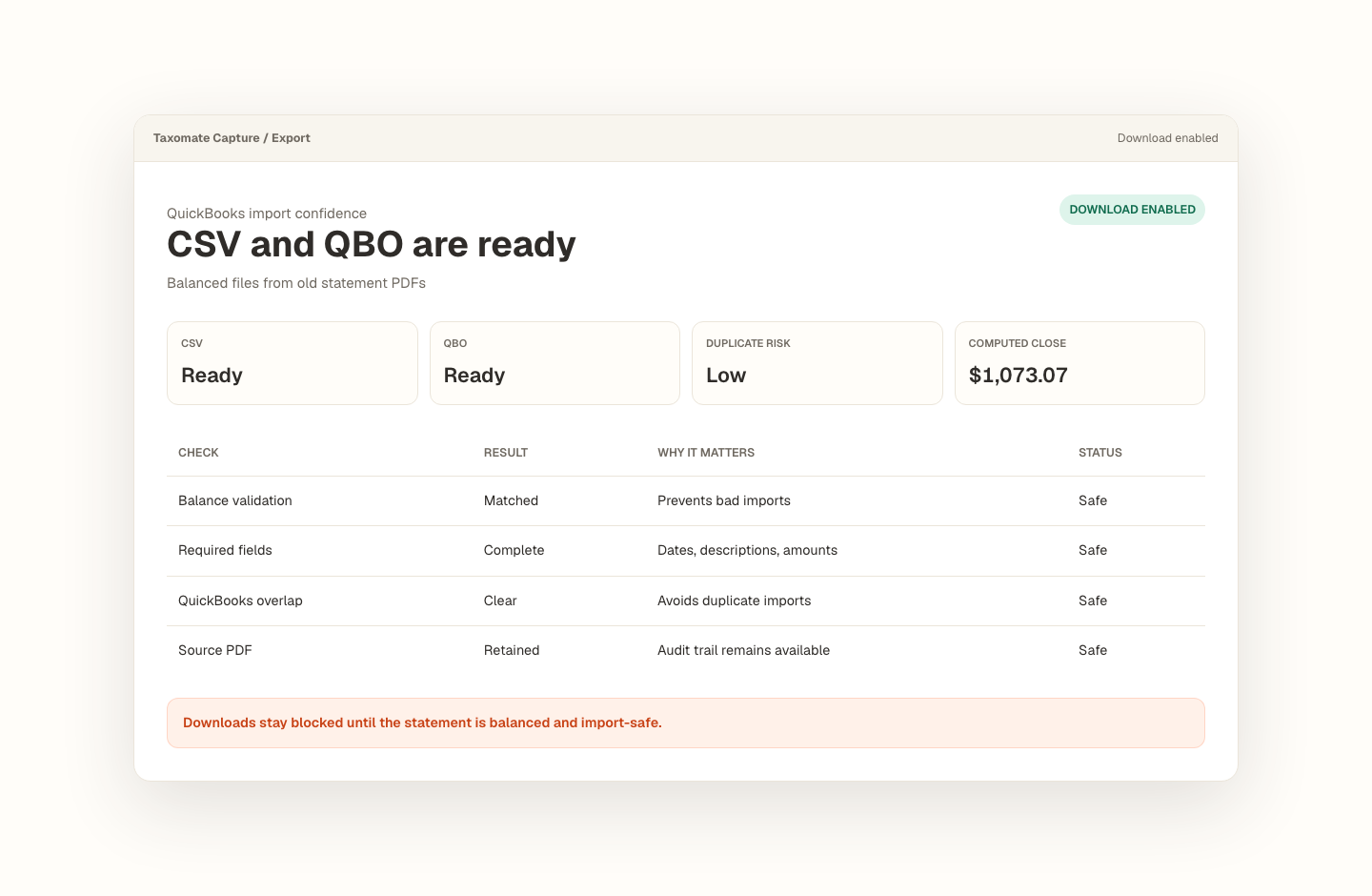
Opening balance plus transactions must tie to the statement closing balance.
Missing dates, balance gaps, and import blockers stay visible before export.
Export stays blocked until the reviewed statement is safe to use.
Can I convert a PDF bank statement into an Excel spreadsheet?
Transactions and reconciliation travel together.
For statements that are safe to export, Taxomate Capture creates a native .xlsx workbook with separate Transactions and Reconciliation sheets. The same safety gate that protects CSV and QBO export also protects Excel downloads.
- Upload a text-based PDF bank or credit-card statement.
- Review extracted rows, warnings, and the closing-balance calculation.
- Download the native Excel workbook with Transactions and Reconciliation sheets.
What trips people up.
- Wrapped descriptions, reversed signs, and missing rows can make a plausible spreadsheet fail reconciliation.
- A workbook is available only after the statement passes the product's export-safety checks.
- Successful export does not mean every bank layout will extract automatically; flagged rows still need review.
Proof stays with the file.
The source statement, extracted rows, balance check, rows to review, and export state stay in one workflow.
- The Transactions sheet includes typed dates, currency-formatted amounts, source pages, confidence, and warnings.
- The Reconciliation sheet records opening, calculated closing, and statement closing balances plus the difference.
- Excel export stays blocked when the statement has reconciliation, overlap, or row-validation blockers.
- Reviewed rows are the source for QBO, CSV, and Excel exports.
For bookkeepers and finance teams reviewing bank-statement transactions in Excel.
Recover missing transaction history without treating raw extraction as finished bookkeeping. Every conversion keeps the source, review decisions, balance proof, and export state together.
Frequently asked questions
Can I convert a PDF bank statement into an Excel spreadsheet?
For statements that are safe to export, Taxomate Capture creates a native .xlsx workbook with separate Transactions and Reconciliation sheets. The same safety gate that protects CSV and QBO export also protects Excel downloads. Upload a text-based PDF bank or credit-card statement. Review extracted rows, warnings, and the closing-balance calculation. Download the native Excel workbook with Transactions and Reconciliation sheets.
How does Taxomate Capture check a converted statement?
It keeps the opening balance, extracted transactions, calculated closing balance, statement closing balance, and any flagged rows together. Export remains unavailable until blocking issues are resolved.
Which file formats can I export?
A reviewed, balanced statement can be exported as QBO for a QuickBooks Web Connect workflow, CSV for flexible imports, or a native Excel workbook with transaction and reconciliation sheets.
Choose the right output
Related conversion guides.
- Need CSV instead? — Use the reviewed flat-file export for other spreadsheet and import workflows.
- Need a QBO file? — Prepare balanced Web Connect output for a QuickBooks workflow.
- Working from a scan? — Understand the additional OCR and review risks before relying on the output.
Convert your first statement.
Create a private Taxomate Capture workspace, upload one bank or credit-card PDF, review the extracted rows and balance check, then export QBO, CSV, or Excel. Your saved workspace keeps the source and review trail together.
- Create or sign in to your private account
- Keep each account and statement period organized
- Review reconciliation and flagged rows before export
- Delete saved statement data from your workspace when finished